Getting Started with Agent Skills: Top 10 Picks for Beginners
Getting Started with Agent Skills: Top 10 Picks for Beginners
Equipping an agent with skills is like handing a new hire an onboarding manual: it doesn't change the agent's fundamental capabilities, but it teaches them "what standards and workflows to follow." Every skill on this site is pinned to an open-source snapshot and has undergone source-level scrutiny. Installation is as simple as sending any card link below to your agent—it will read the instructions, download, verify, and install it on its own.
The most common beginner trap is "installing dozens of skills all at once." The 10 skills listed below each address a real-world scenario. Produced by official teams or ranking among the most reputable in the community, they are enough to take you through an entire end-to-end workflow from scratch. Try them out first before considering further expansion.
1. Think Before You Act: grill-me
Vague ideas are a beginner's worst enemy. grill-me cross-examines you like your most demanding friend: What problem are you solving? For whom? Why will it work? It only asks questions you can currently answer, converging round by round until your plan holds up to scrutiny. With over 1.1 million installs worldwide, it is a perennial top-two skill.

2. Turn Conversations into Action: to-spec
Chatting with an agent for hours only to end up with endless chat logs is practically useless. to-spec crystallizes conversations into actionable specifications (PRDs/requirement docs). Whether you continue the work yourself or hand it off to another agent, you will have a clear reference. It's the first step from "chatting" to "delegating."

3. Seamless Continuity Across Sessions: handoff
Need to switch sessions, change agents, or resume tomorrow mid-task? handoff compresses your current progress into a handoff document: goals, completed work, pending tasks, and potential pitfalls. A new session can pick up right where you left off after reading it once, without re-explaining the background. It is an absolute must-have for team collaboration (740K+ installs).

4. Learn as You Go: teach
It teaches you new concepts right within your project—not by making you memorize definitions, but by providing step-by-step demonstrations contextualized to what you are currently working on, followed by hands-on practice. If you want to understand "how to actually use that previous skill" or learn any new workflow, leave it to teach.

5. Build Interfaces with Strong Intent: frontend-design
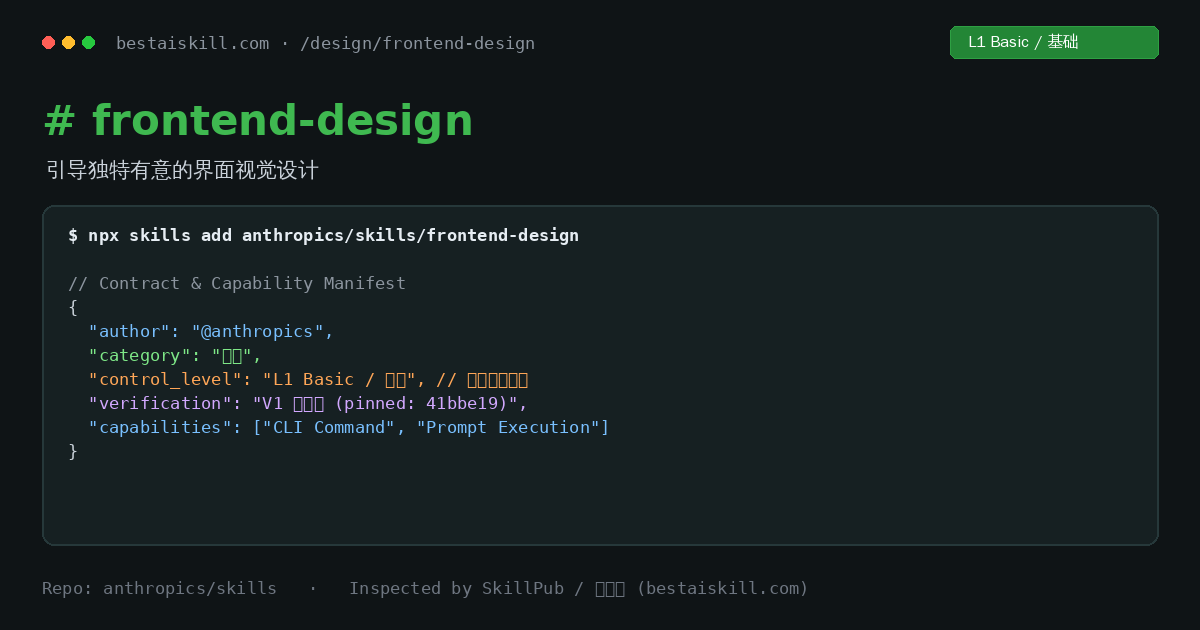
You don't need design expertise to produce great designs. frontend-design guides agents to create consistent, intentional UI visuals—establishing a stylistic direction first before implementation, rather than settling for generic, default aesthetics. Officially released by Anthropic, with over 850K installs worldwide.
6. Pre-Launch Quality Check: web-design-guidelines
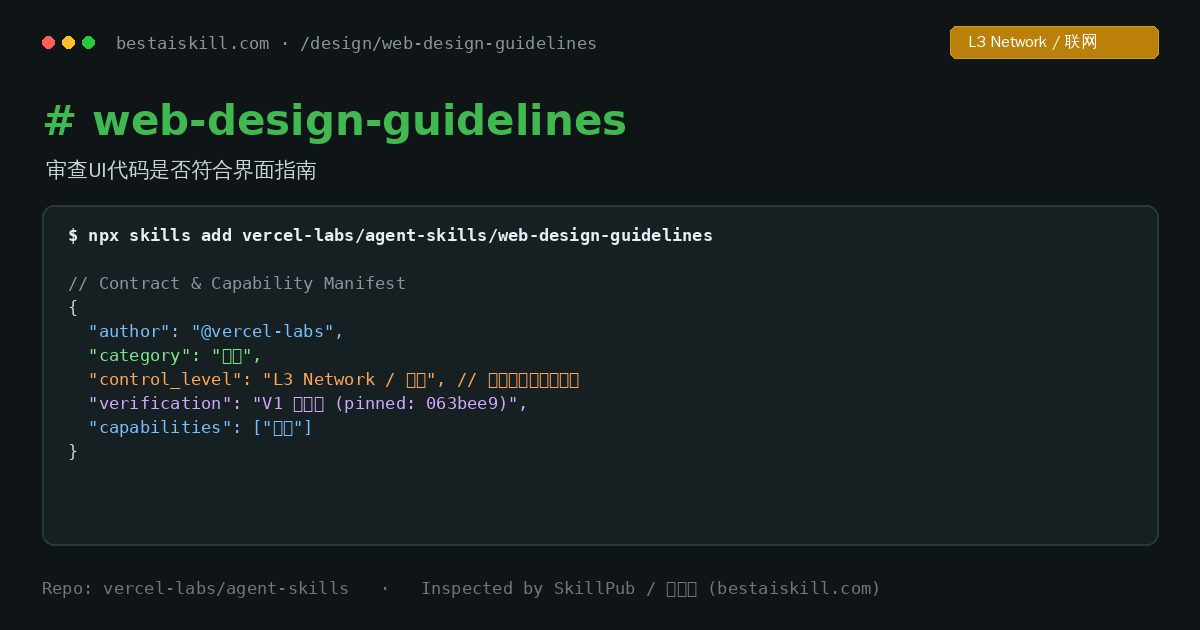
Shipped your project, but feel like something is off without knowing why? web-design-guidelines reviews your pages against a systematic UI checklist: layout, visual hierarchy, spacing, copywriting, and accessibility. Officially built by Vercel, it is an essential staple for nearly every frontend developer.
7. Hassle-Free Covers and Posters: canvas-design
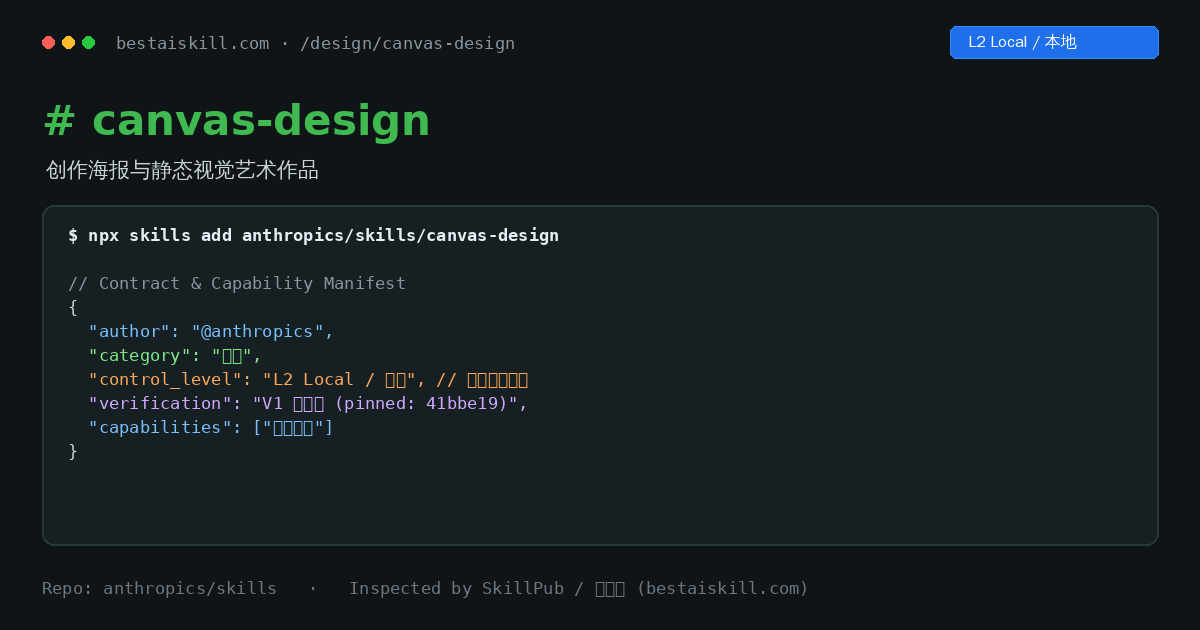
Need article covers, event posters, or illustrations? canvas-design orchestrates visual assets directly on a canvas, outputting PNG/PDF files with controllable dimensions and iterative refinement. A creative visual tool with no coding required.
8. Media Asset Collection: youtube-downloader
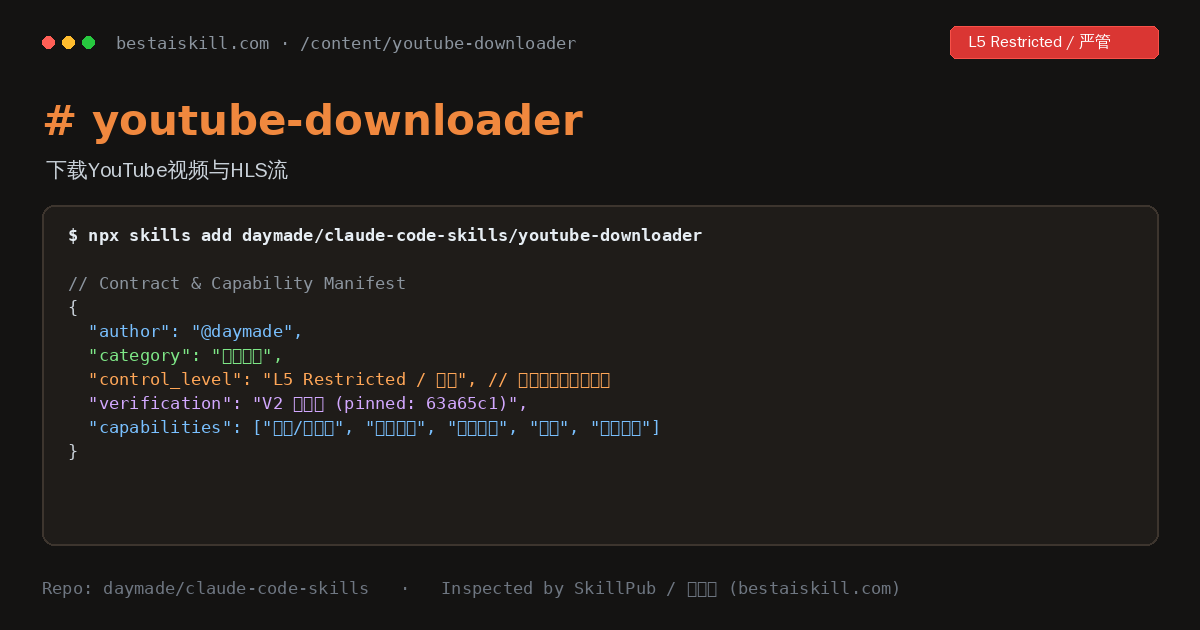
Download YouTube videos, subtitles, and audio tracks for your creative assets (suitable for video editing, transcription, study notes, etc.). Officially developed by daymade. Note the primary value of this site's mirror: when accessing GitHub is unreliable in certain regions, the mirrored package and checksum allow your agent to install it without issues. Please comply with copyright and platform terms when downloading.
9. Structured Information Gathering: research
When asked to research an unfamiliar topic, agents often dump raw search results on you. research enforces a disciplined workflow: locking down high-credibility sources, gathering evidence point by point, and assembling everything into a structured document—giving you verifiable research notes rather than a pile of links.

10. Finish Long-Form Docs Without Abandonment: doc-coauthoring
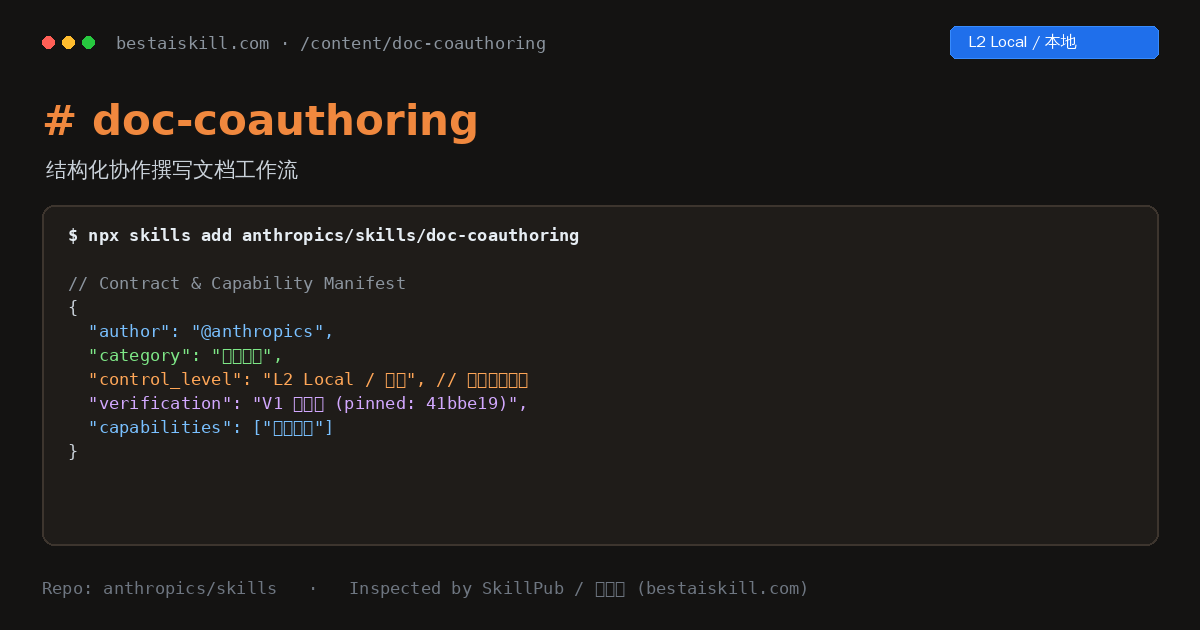
Long documents (proposals, post-mortems, specifications) frequently start strong and fizzle out unfinished. doc-coauthoring turns writing into structured collaboration: drafting by section, iterative revisions, and version convergence, with the agent working alongside you until the document is complete.
---